Task reports
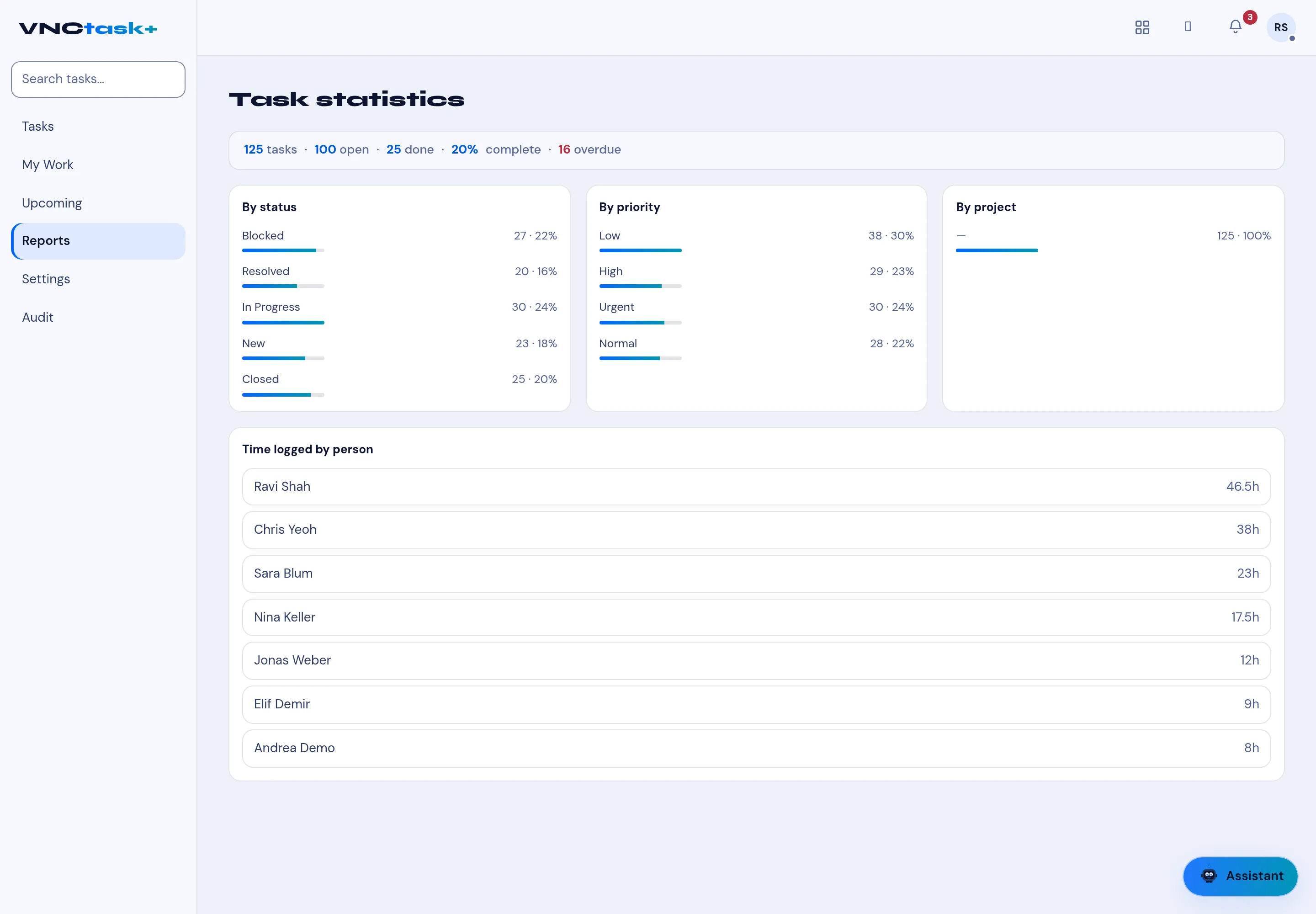
Reports turns the task list into statistics — where work sits and who has logged time.
- Open Tasks and select Reports in the left navigation.
- The header summarises the whole set — for example 125 tasks · 100 open · 25 done · 20% complete · 16 overdue.
- Read the breakdown cards:
- By status — Blocked, Resolved, In Progress, New, Closed (count and %),
- By priority — Low, High, Urgent, Normal,
- By project.
- Scroll to Time logged by person for hours per person, highest first.
Result
Section titled “Result”The figures update as tasks change. Use it for a quick load check, or export the list from the Tasks view for detail.