Search channels and topics
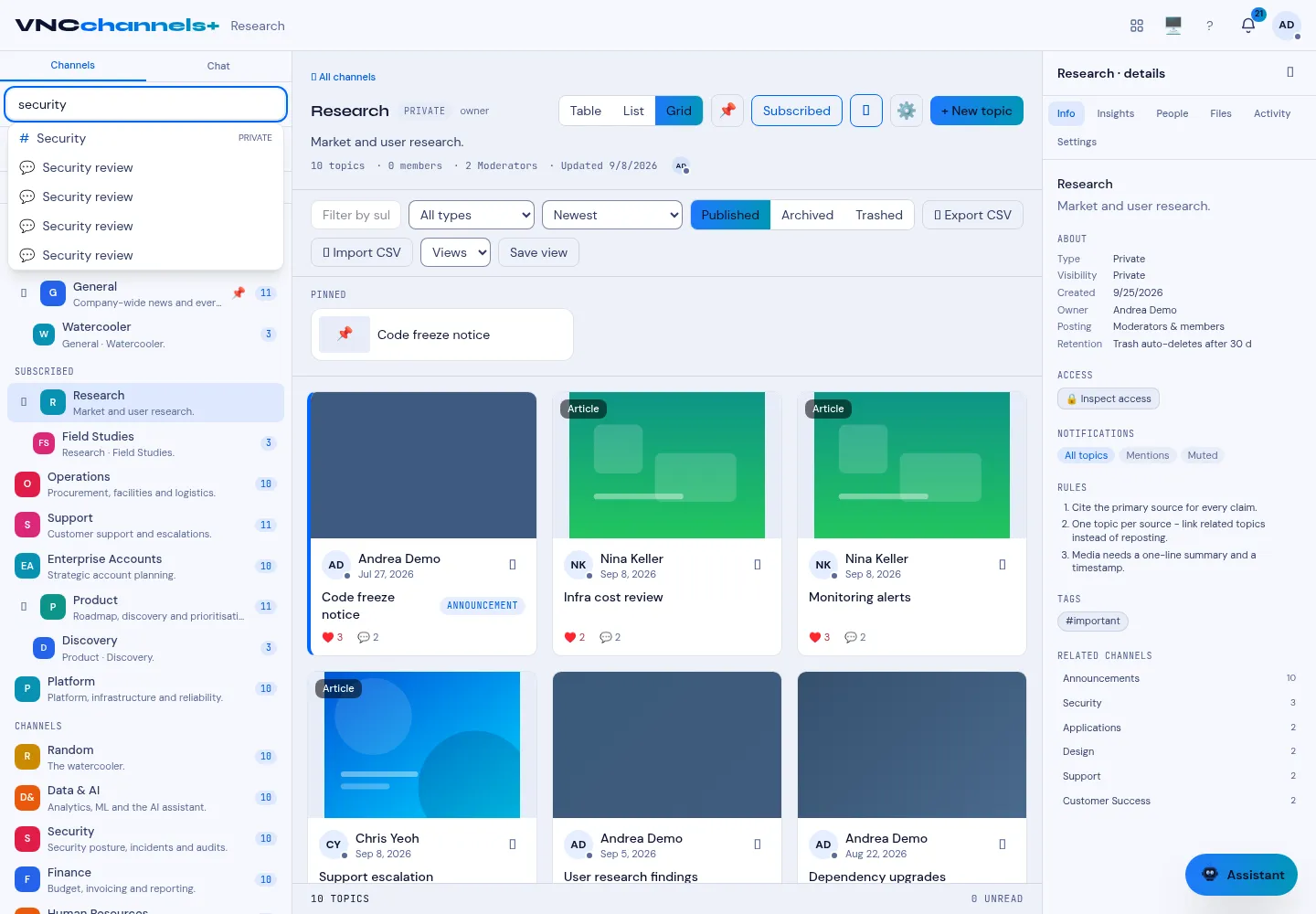
Search looks across channel names, topic subjects and topic bodies, so you can find something without remembering which channel it lives in.
- In the header, select the Search channels & topics box (top of the main area — on the home and inside a channel).
- Type your query — for example a keyword or a person.
- Select a result to open the channel or topic.
Result
Section titled “Result”Results appear grouped by channel and topic as you type. Selecting a topic opens it directly, with its channel as the breadcrumb.
Search is multilingual and semantic
Section titled “Search is multilingual and semantic”- Multilingual — search matches German, French, Italian and English alike. It
folds case and accents, so
MünchenfindsMunchenandKonferenzfindskonferenz, and it looks in subjects, bodies and video transcripts. - By meaning — the Search by meaning action finds passages that are semantically close even when they use different words.
- In combination — for a “where is A mentioned together with B” question, use the knowledge-graph query, which requires all terms and expands the results.