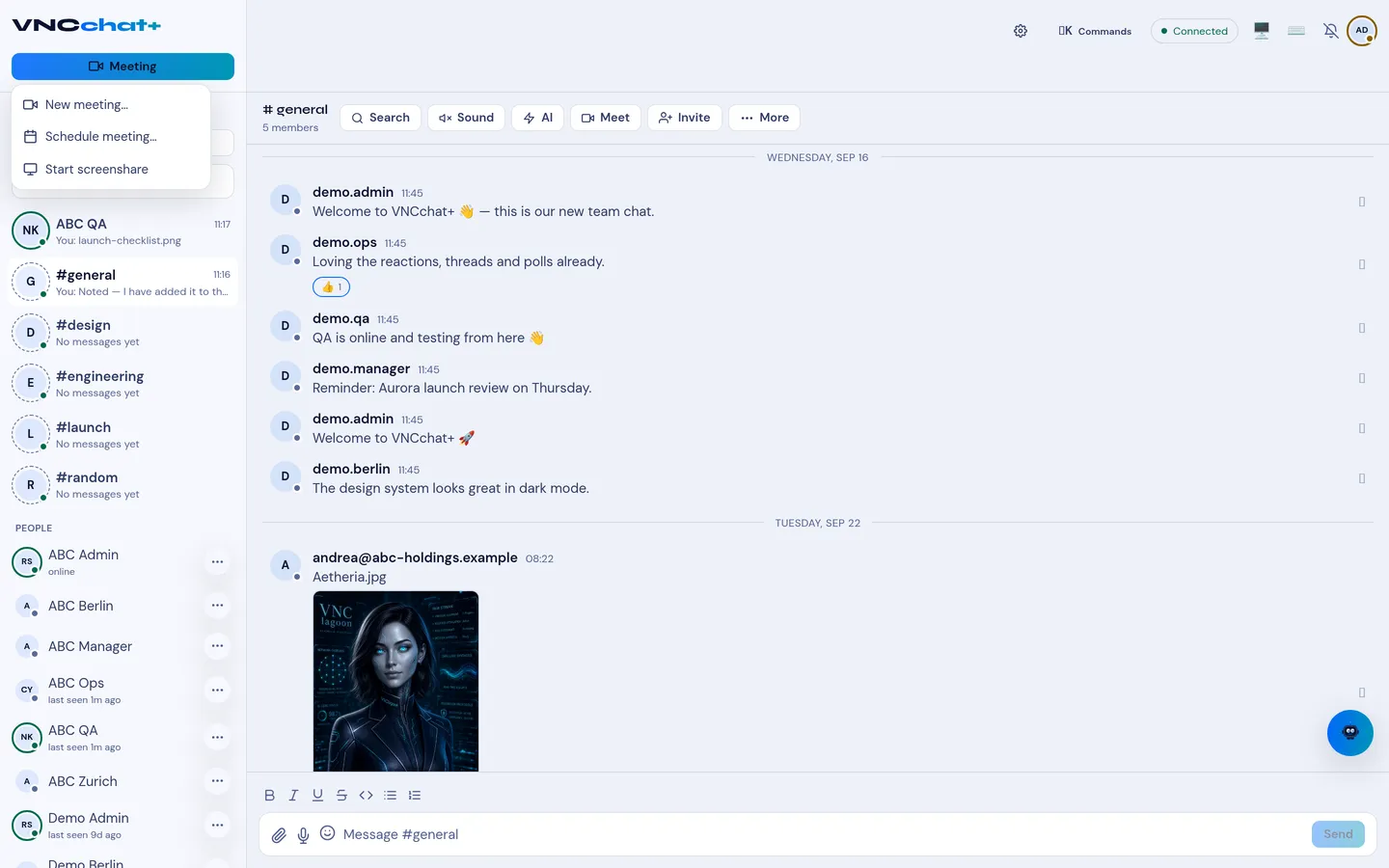
Start or join a video meeting
Meetings run inside the conversation, in a pane beside the chat. The call is hosted on your organization’s own infrastructure.
- Open the conversation or room.
- In the room header, select Meet; or open the Meeting menu at the top left and select New meeting….
- Allow camera and microphone access if your browser asks. A meeting pane opens on the right.
- In the meeting pane, select Invite to copy the join link or email an invitation. Meetings are invite-only by default.
- Select Leave in the meeting header when you are done.
Result
Section titled “Result”The meeting pane opens and participants can join. While people are in the call, the top bar shows a Join button with their number, for example Join · 3. You can drag the divider to resize the pane, or expand it to a full surface.