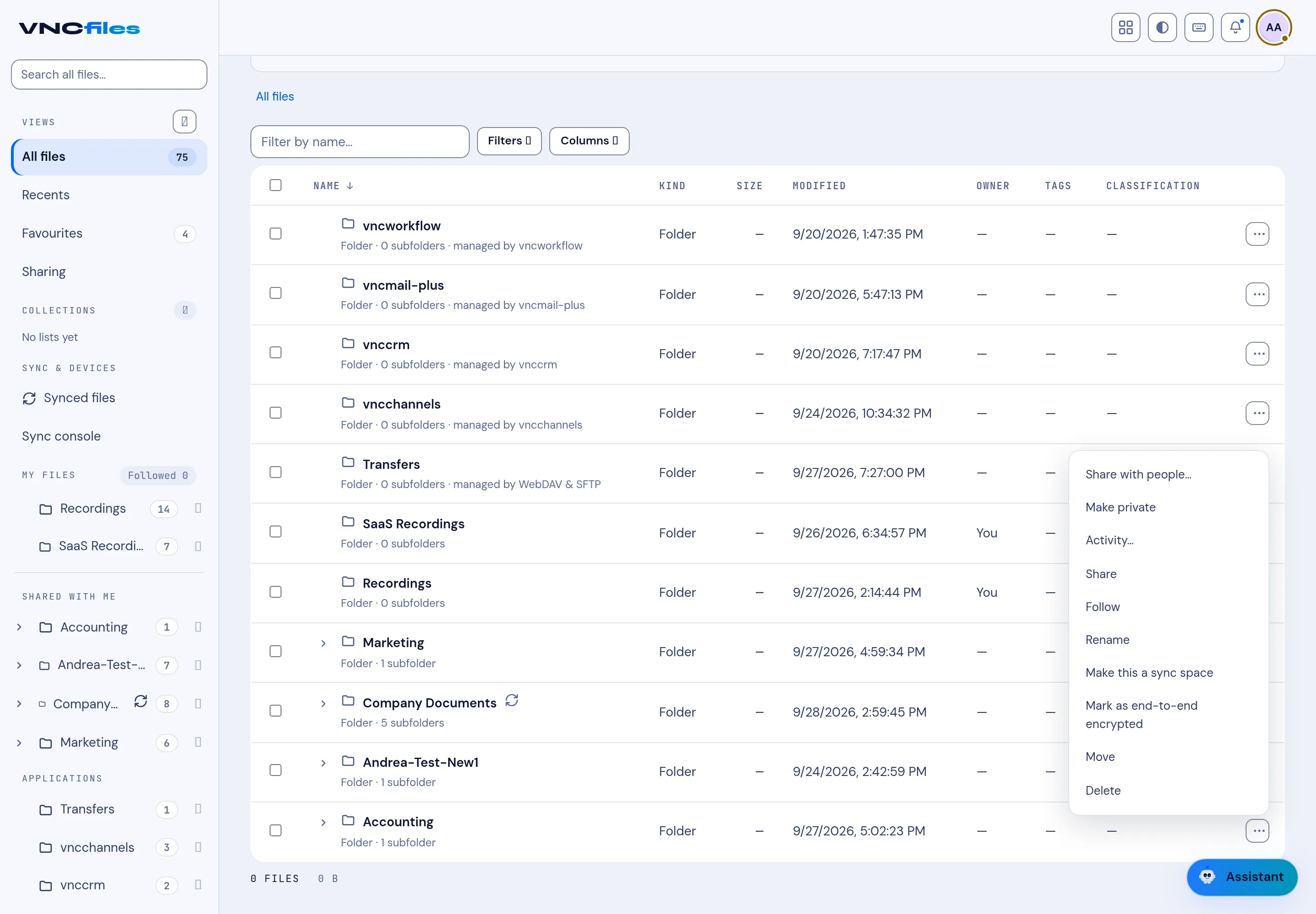
File actions
The ⋯ menu at the end of a row acts on that file or folder.
| Action | What it does |
|---|---|
| Share with people… | Share the item with people or units (grants live in VNCdirectory). |
| Make private | Restrict the item to you (existing grantees keep their access). |
| Activity… | See the item’s activity trail. |
| Share link… | Create a public link - see Share a file by link. |
| Follow | Get notified when it changes. |
| Rename | Change the name. |
| Make this a sync space | Keep it in sync with your desktop (appears under Synced files). |
| Mark as end-to-end encrypted | Store the folder end-to-end encrypted. |
| Move | Move it to another folder - see Move or copy a file. |
| Copy | Copy it to another folder - see Move or copy a file. |
| Send by email… | Start a VNCmail message with the file attached - see Send files by email. |
| Delete | Send it to Trash (recoverable). |
- Sharing is what puts an item under the Sharing view.
- A sync space is a folder kept in step with your desktop client - useful for work you do locally.
- Mark as end-to-end encrypted encrypts a folder’s contents with keys the server never holds; keep your recovery key safe or the data cannot be read.
- Delete is soft: items go to Trash, not away for good.