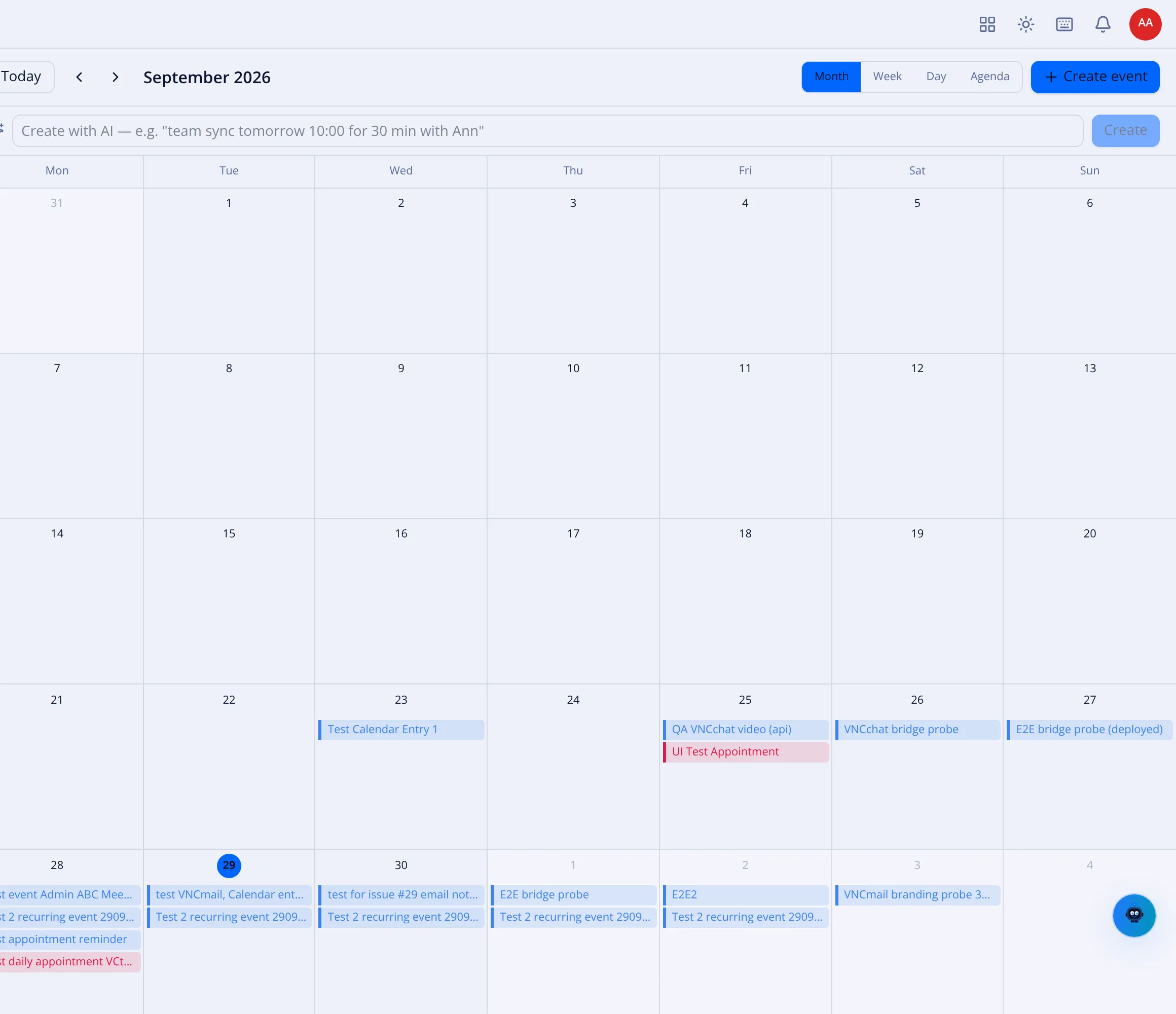
Calendar views and the event form
See Use the calendar for the workflow; this page describes the controls.
Month, Week, Day and Agenda, with a mini-calendar and a task list in the sidebar. Everything snaps to 15 minutes.
Creating an event
Section titled “Creating an event”- + Create event opens the event form; click-drag on the grid creates one, drag an event to reschedule, and pull an edge to resize.
- Create with AI — describe it in plain language, e.g. “team sync tomorrow 10:00 for 30 min with Ann”, and select Create.
- Virtual locations (video-conference URLs) are first-class event fields.
- The form carries Participants, Resources, Tags, an optional VNCchat video meeting, a Timezone, Recurrence and Reminders. → Recurring events · Event reminders
Recurrence and invitations
Section titled “Recurrence and invitations”- Recurring events edit and delete by scope: this occurrence, this and following, or all. → Recurring events
- iMIP invitations (RFC 5545 / 6047) are sent on create and update, with an organizer/attendee panel and RSVP with trust assessment. → Invite people and RSVP
- A
.icsattachment in a message is detected, so you can RSVP or import without leaving the mail.
Calendars and import
Section titled “Calendars and import”- Calendars (the + adds one), including shared calendars through CalDAV discovery, coloured per viewer. → Calendars, sharing and subscriptions
- iCalendar import previews first, then bulk-creates, deduplicating on UID; iCal / webcal subscriptions are editable with batch import.
- A birthday calendar is generated from your contacts.
- Tasks carry due dates, priority and completion status.
- Week numbers, hover preview, notifications with a sound picker; JMAP push keeps everything in sync.