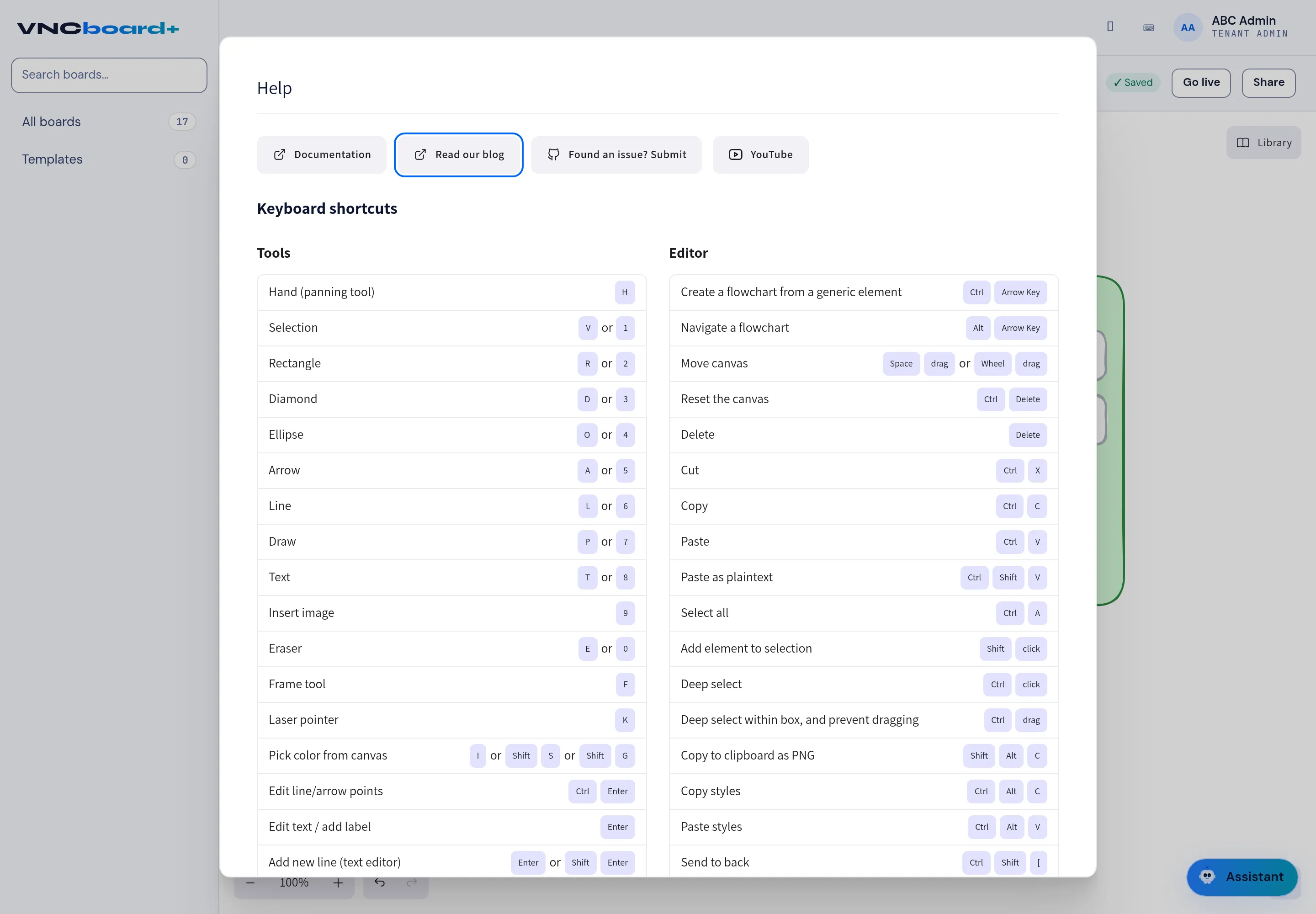
Keyboard shortcuts
Press ? on the canvas to open Help, then read the Keyboard shortcuts section.
| Action | Key |
|---|---|
| Hand (panning tool) | H |
| Selection | V or 1 |
| Rectangle | R or 2 |
| Diamond | D or 3 |
| Ellipse | O or 4 |
| Arrow | A or 5 |
| Line | L or 6 |
| Draw | P or 7 |
| Text | T or 8 |
| Insert image | 9 |
| Eraser | E or 0 |
| Frame tool | F |
| Laser pointer | K |
| Pick color from canvas | I or Shift + S or Shift + G |
| Edit line/arrow points | Ctrl + Enter |
| Edit text / add label | Enter |
| Add new line (text editor) | Enter or Shift + Enter |
Editor and canvas
Section titled “Editor and canvas”| Action | Key |
|---|---|
| Create a flowchart from a generic element | Ctrl + Arrow key |
| Navigate a flowchart | Alt + Arrow key |
| Move canvas | Space + drag, or wheel + drag |
| Reset the canvas | Ctrl + Delete |
| Delete | Delete |
| Cut / Copy / Paste | Ctrl + X / C / V |
| Paste as plaintext | Ctrl + Shift + V |
| Select all | Ctrl + A |
| Add element to selection | Shift + click |
| Deep select | Ctrl + click |
| Deep select within box, and prevent dragging | Ctrl + drag |
| Copy to clipboard as PNG | Shift + Alt + C |
| Copy / Paste styles | Ctrl + Alt + C / V |
| Send to back | Ctrl + Shift + [ |
The Help dialog also links to the documentation, the blog, the issue tracker and YouTube.