Search contacts
The Contacts tab searches the people you can see, and narrows as you type.
- Open Contacts.
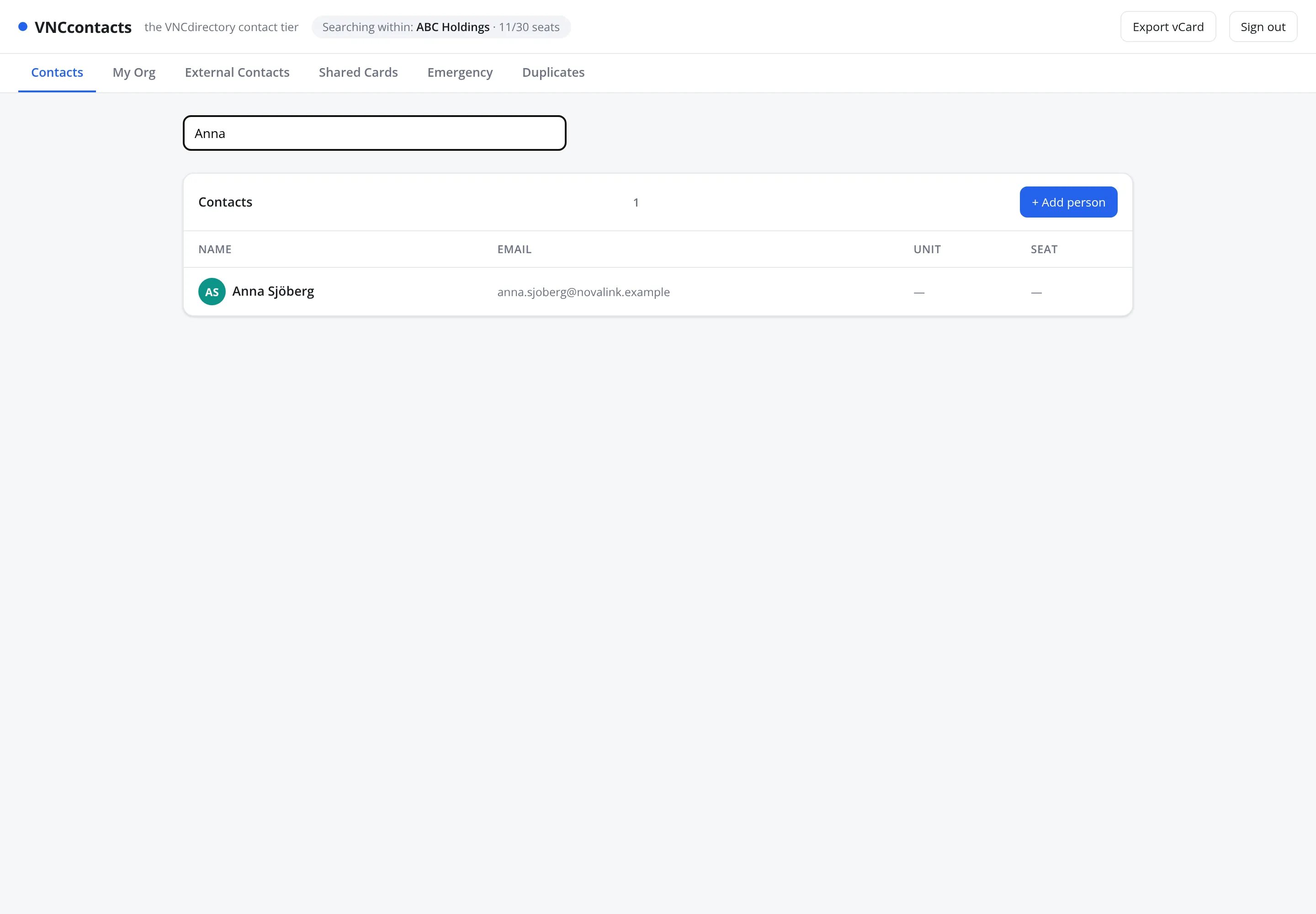
- Type a name in the search field. Matches appear below Contacts, with the Name, Email, Unit and Seat.
- Narrow the list further with the Class, Company or Tags filters. Emergency and Duplicates are separate areas in the left navigation.
- Select a row to open the person’s card.
Result
Section titled “Result”The list filters to what you type. The header shows the organization you are searching within and your seat usage (for example 11/30 seats). Select Export vCard to download the visible contact.