The left navigation
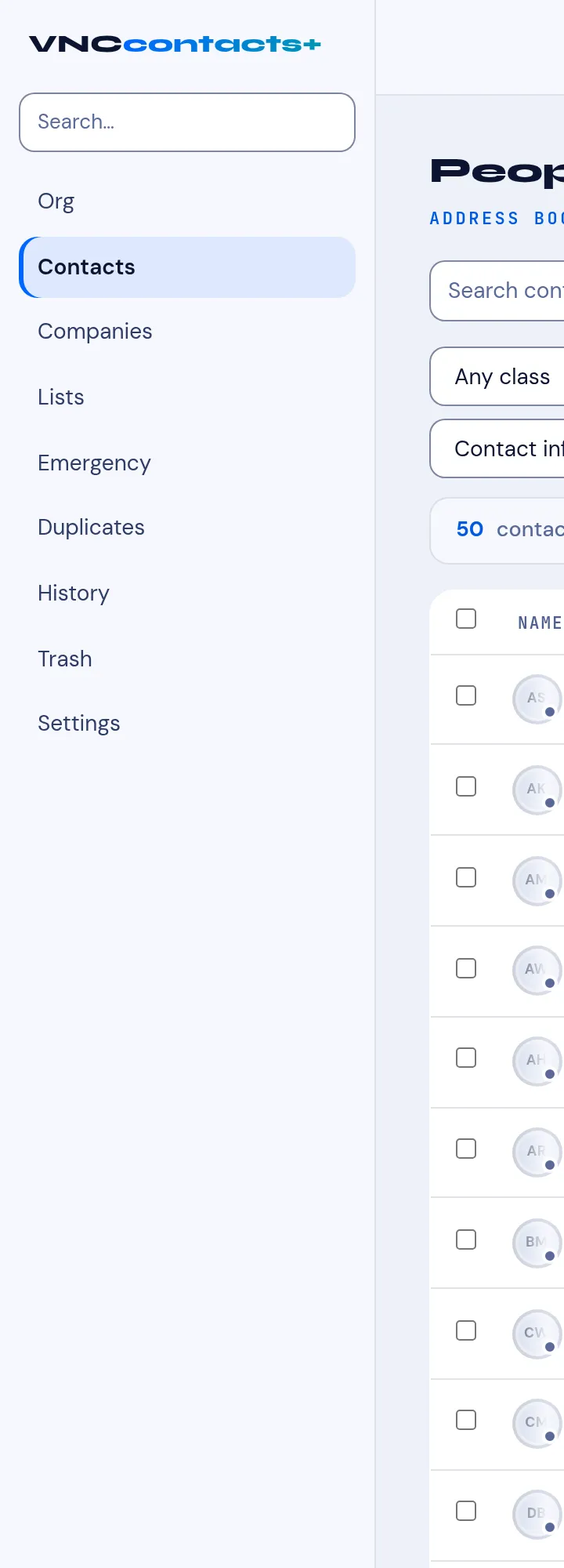
The VNCcontacts sidebar (left) splits into people, work lists and maintenance views. The main area is the list or record for the item you picked.
People
Section titled “People”| Item | Shows |
|---|---|
| Org | Your organization’s people and units. |
| Contacts | Everyone you can see (the address book). |
| Companies | Companies and their contacts. |
→ Search contacts · Browse contacts · Add a contact
Work lists
Section titled “Work lists”| Item | Shows |
|---|---|
| Lists | Saved segments of contacts. |
| Emergency | The contacts flagged as emergency contacts. |
→ Lists · Mark an emergency contact
Maintenance
Section titled “Maintenance”| Item | Shows |
|---|---|
| Duplicates | Suggested duplicate records to merge. |
| History | The merge and audit history. |
| Trash | Deleted contacts (recoverable). |
| Settings | Contact settings — record classes, fields and sync. |
→ Possible duplicates · Merge and audit history · Trash · Contact settings