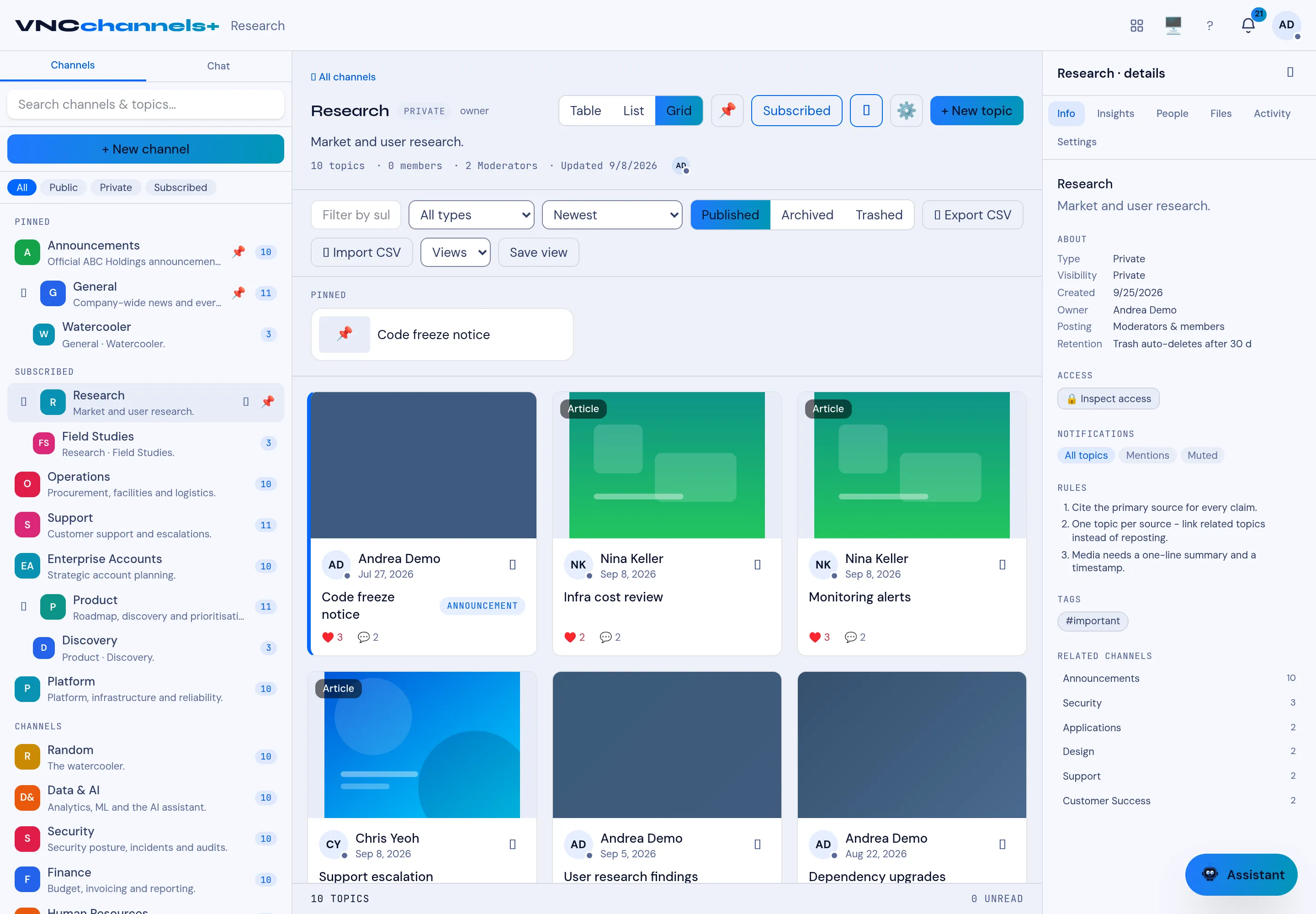
Channel details and settings reference
The Details rail on a channel page shows what the channel is and who controls it. Nothing here changes topic content.
Settings
Section titled “Settings”| Field | Meaning |
|---|---|
| Type | Whether the channel is Private, Public or Subscribed. |
| Audience | Who can find the channel: Private (only people you share with), My department (your unit tree) or Everyone in the organisation. |
| Shared with | The people, departments and role groups the channel is shared with, and the number of people each share reaches. |
| Subchannels inherit this channel’s members | When on (the default), a share on this channel also reaches its subchannels. Turn it off to keep subchannel access separate. |
| Created | Creation date. |
| Owner | The person who owns the channel. |
| Posting | Who may publish topics (for example, Moderators & members). |
| Retention | How long trashed topics are kept before they are removed. |
Access and notifications
Section titled “Access and notifications”| Section | Meaning |
|---|---|
| Inspect access | Opens the access view for the channel, including why each person can see it (owner, share, department, role group or administrator). |
| Sharing | Opens the Sharing panel, where shares are added, given an expiry and revoked. |
| Notifications | Per-person setting: All topics, Mentions or Muted. |
| Rules | The channel’s posting guidelines, shown to authors. |
| Tags | Labels used in the channel, such as #important. |
| Related channels | Other channels linked from this one, with topic counts. |