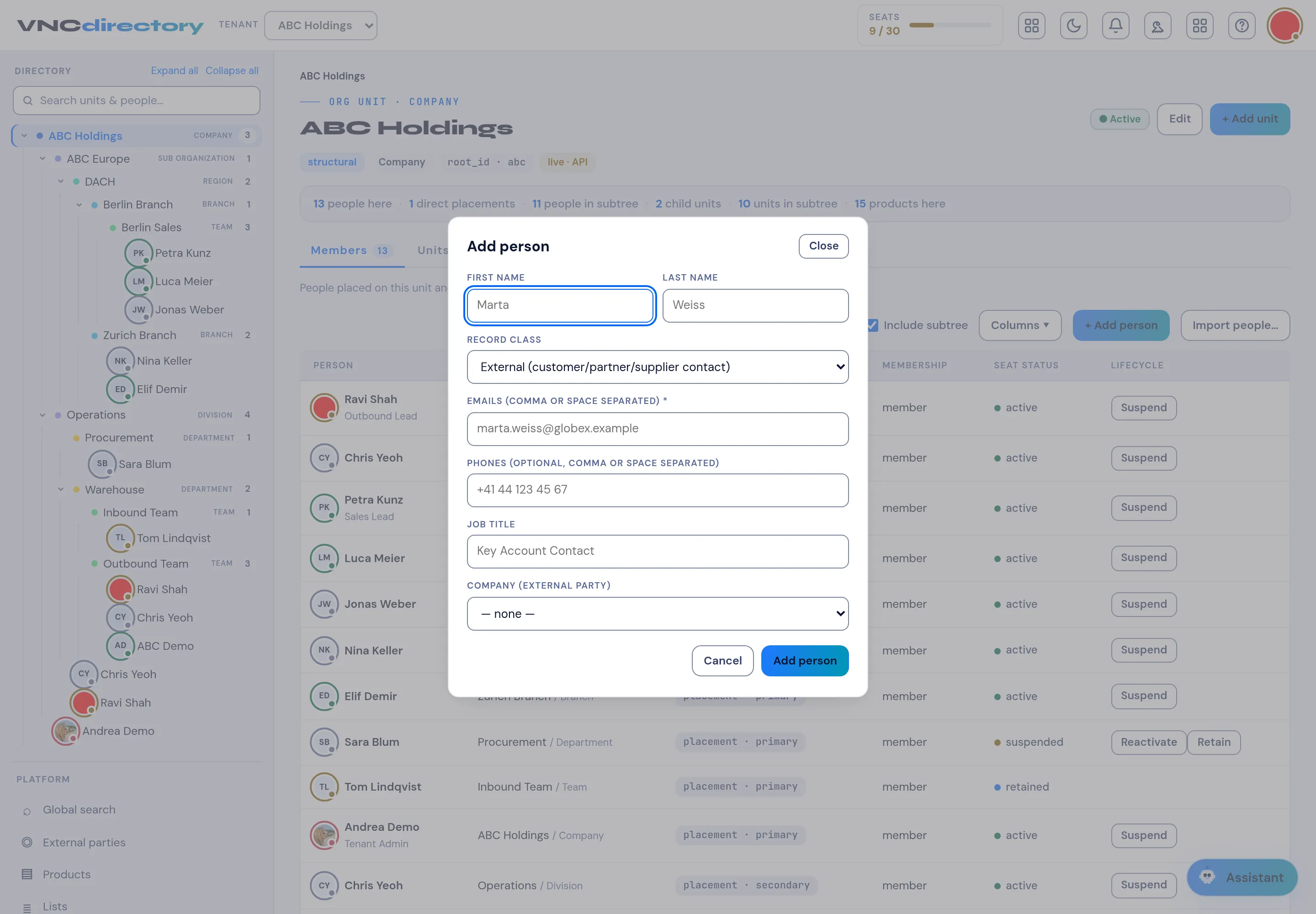
Add a person
Directory administrators can add an internal user to a unit straight from the unit view. VNCdirectory holds internal users only — external people (customers, partners, suppliers) live in VNCcontacts.
-
Open VNCdirectory and select the unit the person belongs to.
-
Select + Add person (or Add person above the member list).
-
Fill in the dialog:
Field Notes First name / Last name Required. Record class Internal user — the default. Emails Required — one or more, comma or space separated. Phones Optional, comma or space separated. Job title Optional. -
Select Add person.
External people live in VNCcontacts
Section titled “External people live in VNCcontacts”An external person is not added here — the directory is internal-only. Use VNCcontacts, the address-book system of record. From an external party in VNCdirectory, Add contact opens VNCcontacts for you.
Result
Section titled “Result”The person is placed on the unit and appears in the Members list with their seat status. To add many at once, use Import people….