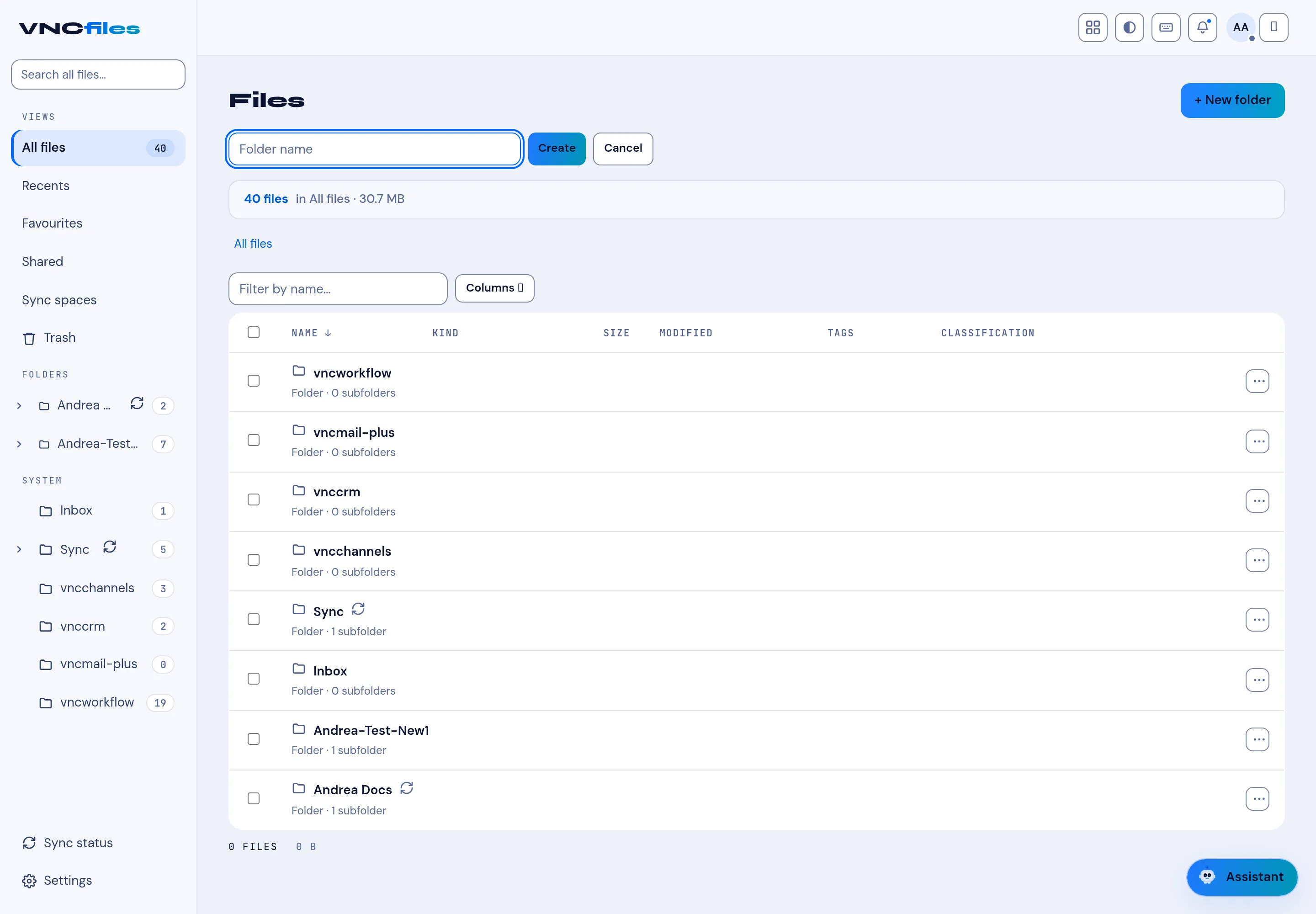
Create a folder
Folders keep related files together. You can nest folders as deep as you need.
- Open Files and go to the location where the folder should live - for example All files, Sharing or Synced files.
- Select + New folder.
- Type the folder name and select Create.
Result
Section titled “Result”The folder appears in the list. Open it to add files: select the folder and use Upload, or drag files straight from your desktop onto the page.