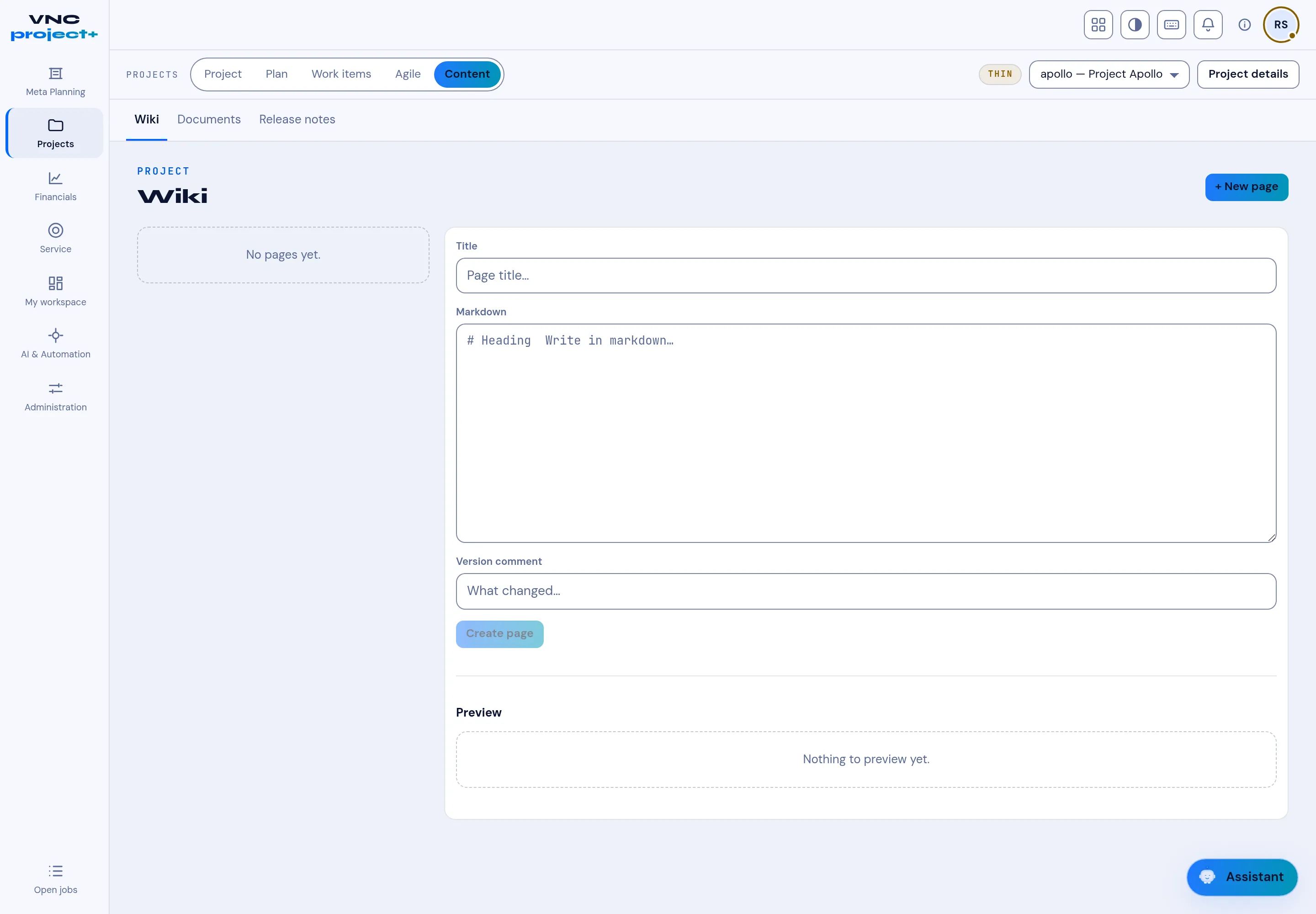
The Content tab
The Content tab holds the project’s written material. Its sub-tabs are Wiki, Documents and Release notes.
The Wiki is a small markdown knowledge base.
- Select + New page, or start in the editor on the right.
- Give the page a Title.
- Write the body in Markdown (the placeholder shows the syntax:
# Heading, and so on). - Add a Version comment describing what changed.
- Select Create page. Preview shows the rendered page as you go.
The left column lists the pages; until you add one it reads No pages yet.