How contacts, the directory and CRM fit together
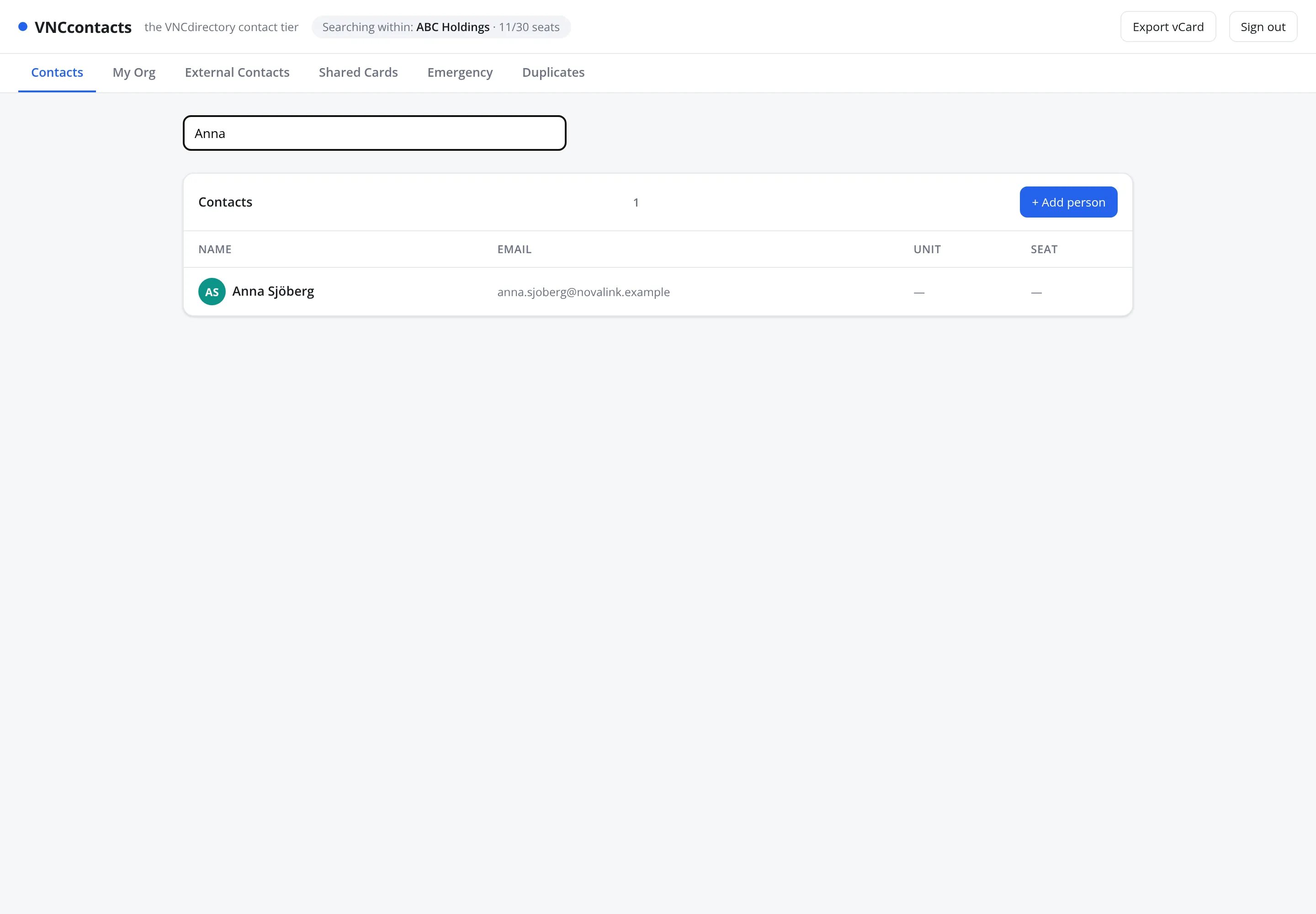
VNCcontacts (VNCcontacts) is the contact tier of VNCdirectory. It shows the people and organizations you are allowed to see, drawn from the directory — it does not keep a separate address book that can drift.
The navigation, and what each area shows
Section titled “The navigation, and what each area shows”The left navigation switches the whole view:
| Area | What it shows |
|---|---|
| Org | The units and people of your own organization. |
| Contacts | The people visible to you, from your own organization and from outside it. |
| Companies | The organizations those people belong to. |
| Lists | Your saved lists of contacts. |
| Emergency | The contacts flagged as emergency contacts. |
| Duplicates | Suggested duplicate records to review. |
| History | Merges and the recorded actions on your records. |
| Trash | Soft-deleted records, which you can restore or purge. |
Sharing is per card, not a separate area: open a person and use Share… to grant another person access — see Share cards.
Where CRM comes in
Section titled “Where CRM comes in”When you add a contact you can enable Sync to CRM, which makes the person available to VNCcrm as a lead or contact. External organizations are modelled as External Parties in VNCdirectory and referenced by CRM and PRM, so the same company is never duplicated.
Sharing
Section titled “Sharing”Visibility is controlled by Shared Cards: a grant names a grantee (a person or unit), a resource, an effect (allow / deny) and an expiry. Administrators manage lists, custom fields and do-not-contact there too.