Inside the Content Library
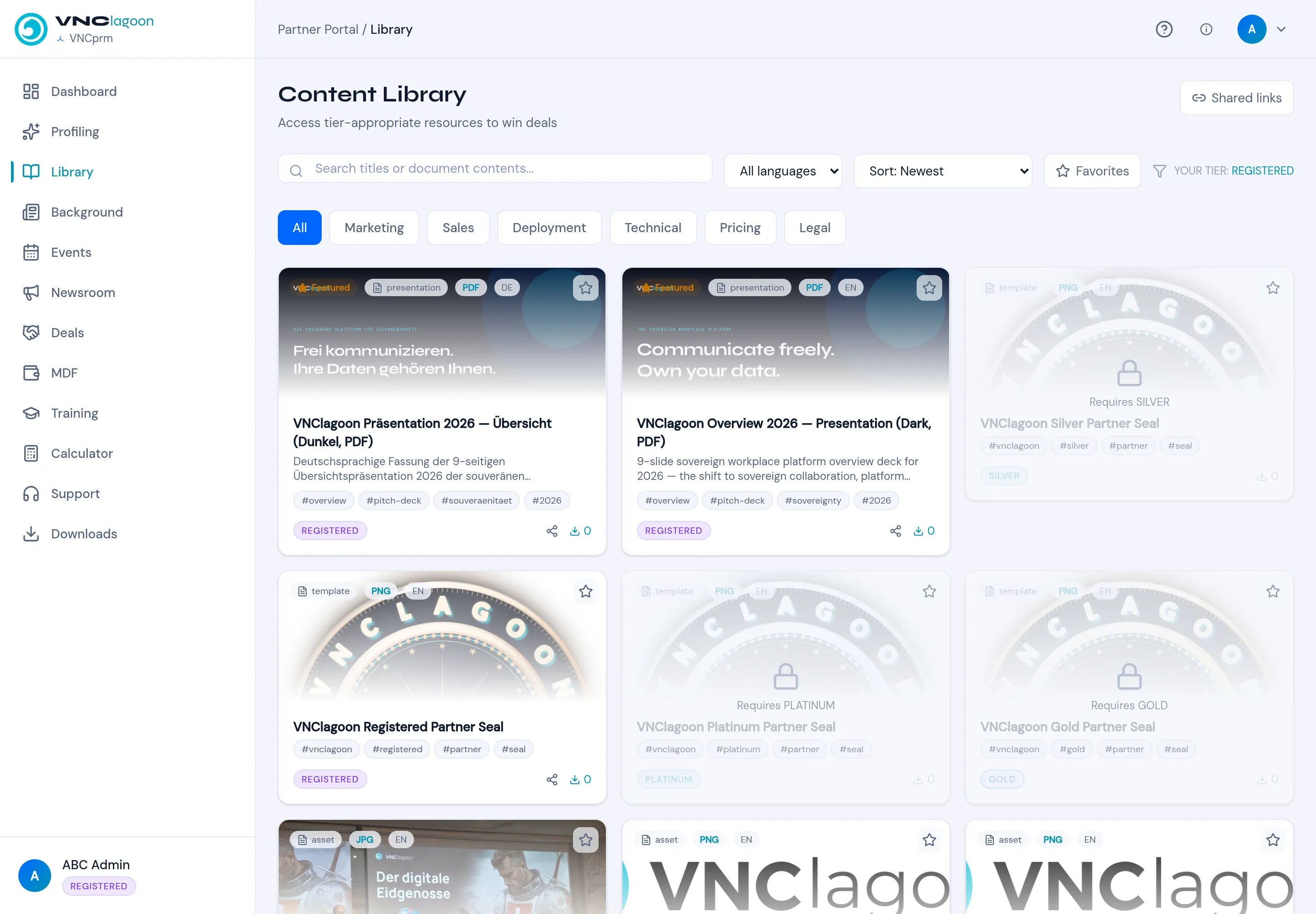
Library holds the tier-appropriate resources you may use to win deals. See Browse the library for the workflow; this page describes the controls.
Filters
Section titled “Filters”| Control | Purpose |
|---|---|
| Search titles or document contents… | Free-text search across titles and bodies. |
| All languages | Restrict to a language (assets carry DE, EN, …). |
| Sort: Newest | Newest, or other orders. |
| Favorites | Show only your starred assets. |
| YOUR TIER: |
Your tier, shown as reference. |
| Category tabs | All, Marketing, Sales, Deployment, Technical, Pricing, Legal. |
Asset cards
Section titled “Asset cards”Each card shows the asset’s type badge (presentation, template, asset),
its file format (PDF, PNG, JPG), language, title, a short description,
tags, and a tier badge (REGISTERED, SILVER, GOLD, PLATINUM). Assets
above your tier show Requires
Shared links (top right) lists links you have shared.