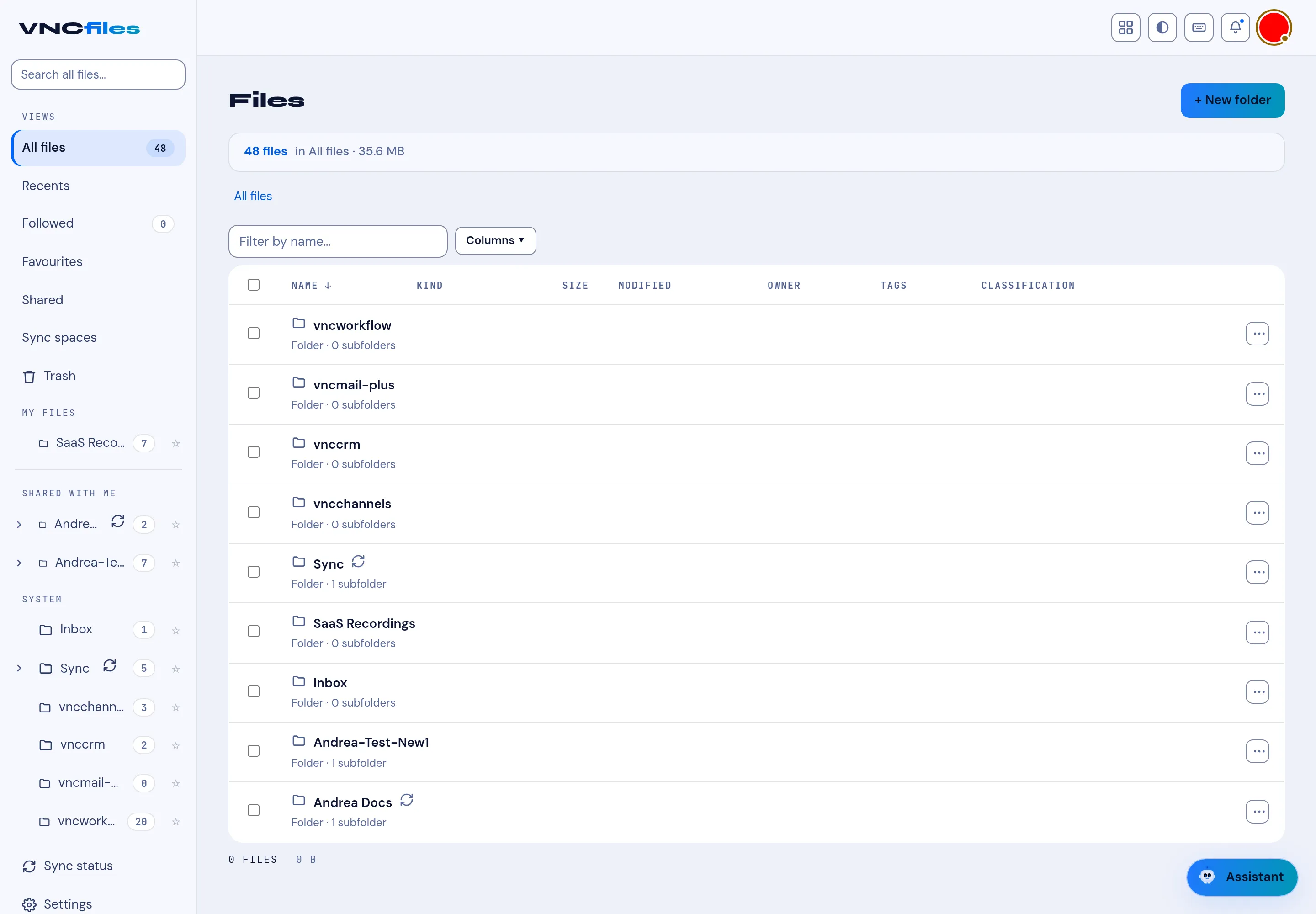
Following files and favourites
Two things keep the items you care about close at hand: following (notifications) and Favourites (bookmarks).
Following
Section titled “Following”Following is how you are notified of changes. Open a folder’s or file’s ⋯ menu and choose Follow (folders also show a ☆ on the row). The folder’s Activity dialog then shows what happened *(No activity yet. Follow the folder to be notified of changes. until something happens). Follow a folder rather than every file inside it.
The Followed chip on the My files header is a filter that narrows the sidebar tree to the folders you follow - it is not a view, so it never replaces what you are looking at.
Favourites
Section titled “Favourites”Favourites lists the items you have starred (the ★) - a personal shortcut list, separate from following.
Where they sit
Section titled “Where they sit”Favourites is a lens in the sidebar, alongside Home, Recents and Shared with me. The Followed filter and your folder tree sit under Locations › My files, with Shared by me, Synced with this device, Shared with me (folders) and From apps (the folders other products keep in your drive, for example vncchannels, vnccrm, vncmail-plus and vncworkflow). The footer shows the count and size of the current view.